Skip to Main Content

Story Creator

Child playing on Story Creator

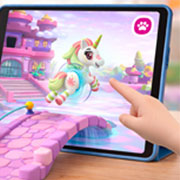
Crayola Story Creator transforms artwork into narrated adventures, giving kids a fun, screen free activity they’ll love. This learning toy for kids inspires early storytelling skills by combining an interactive drawing kit with a built‑in voice recorder.
Story Creator

Video: How to Record Your Story

Video Instructions

Watch this video guide for help with using your Story Creator. 

Story Creator Tips & Tricks

Follow these tips to have the best story creation time possible!

  • If you are having issues with recording your child's voice try following these helpful tips. 

    Microphone Placement

    Be careful not to cover the microphone at the bottom center of the unit when you record.

    Apply Even Pressure While to Start Recording

    Apply even pressure with finger while recording and ensure that you hear a beep, signifying that recording has begun in that location. If insufficient pressure is applied your recording at that location will be cut off prematurely.

    Reapply Pressure if Recording Stops

    If insufficient pressure is applied while recording, then reapplied, you will hear the beep sound again. The stored recording will only capture your voice after the second beep.

    Be Aware of Hand and Wrist Placement While Recording

    While recording, do not rest your wrist or other hand on the surface as this may cause the unit to stop recording.


  • Marker Storage

    Store markers in wells on the right or left of the art surface.

    Battery Removal for Storage

    Remove batteries if storing for an extended period. Battery removal will not affect recorded story content.

  • Total Recording Time Limit

    Total recording time is about 15 minutes. If time is used up a warning sound will play when you try to record. You must erase some or all your recordings or recorded pages before recording.

    Page Numbering

    For stories with more than one page be sure to number each page of your story to remember the proper order.

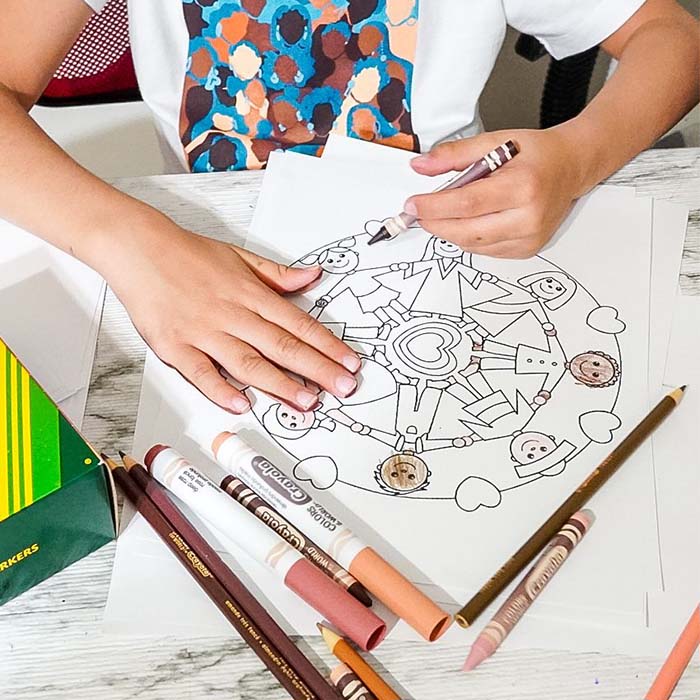
With the Crayola Story Creator, kids can draw, record, and listen to their own stories again and again, turning their imagination into a meaningful, hands-on experience. This interactive, screen-free activity makes it easy to make your own book for kids by combining artwork with recorded narration, helping children create stories they're proud to share.

As kids create their own unique story book, they will build confidence in communication while exploring sound, storytelling, and self-expression through play. The Story Creator works with any Crayola tools and includes an interactive sound tablet, markers, and paper, so kids can create their story right away. With the ability to record up to 15 minutes of audio and save three stories, families can revisit favorite moments and enjoy creative bonding time together. Perfect for learning how to write your own story book or enjoying a fun DIY story book activity at home.